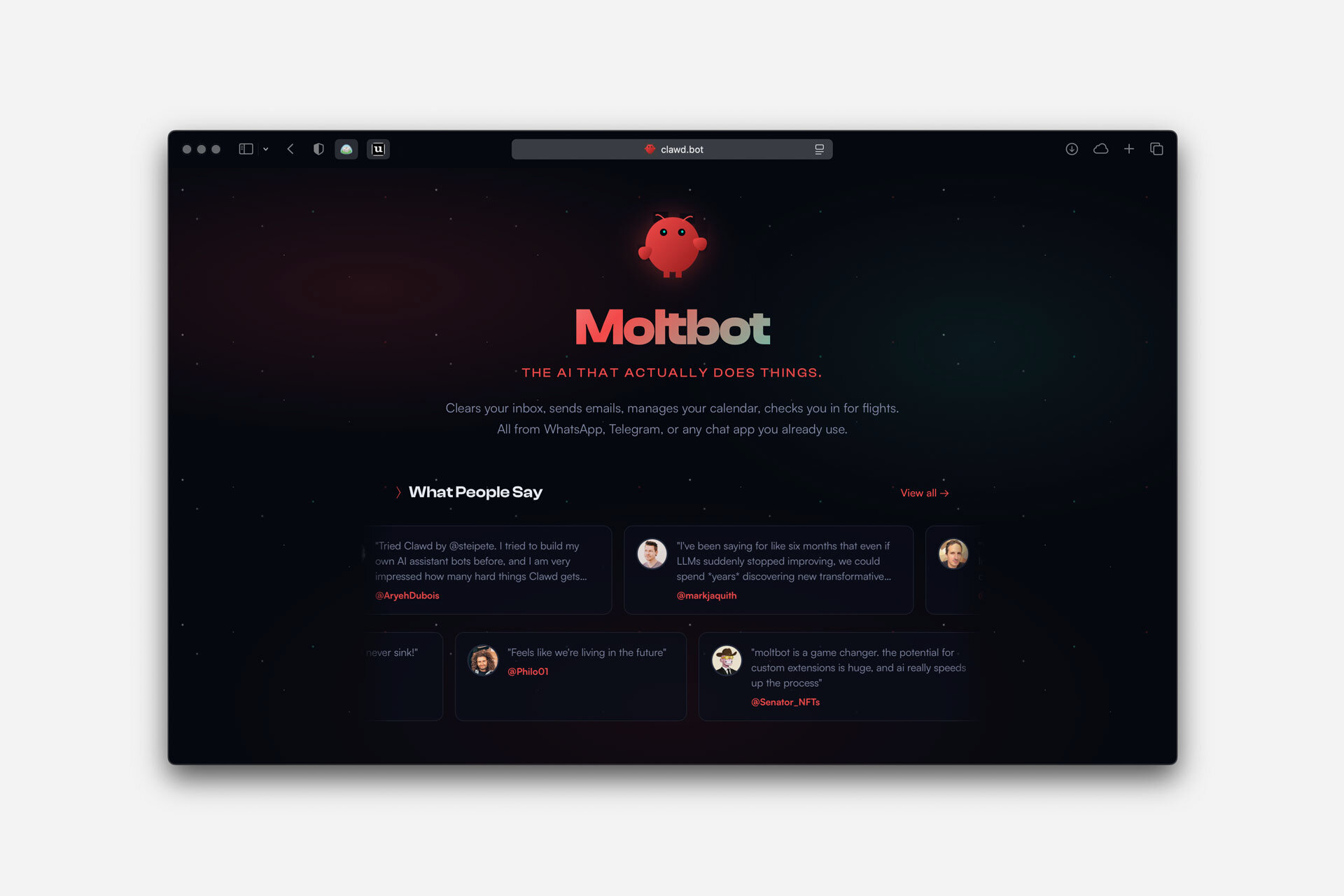
I’ve been playing around with Moltbot (formerly ClawdBot) for a while now.
Bottom line: it’s genuinely fun. None of the ideas are new on their own, but the way they come together is surprisingly compelling. Fair warning though—the bugs can be brutal. I haven’t been this frustrated debugging something in ages. Still, it’s worth it. Using Moltbot feels uncannily like working with a remote intern.
Think of it as Claude Code + a ton of built-in Skills/MCPs + long-term memory + cron jobs + an IM bot, all rolled into one.
I set up a spare MacBook just for it, and now it can do pretty much anything. Moltbot is great at “taking over” a computer—it controls browsers, launches apps, runs shell commands, installs software in the background… basically anything you’d do yourself. For security reasons (and your own sanity), most people run it on a dedicated VM or spare machine and just talk to it through chat.
I use Telegram to chat with mine running on my home computer (it also works with WhatsApp and other messengers). There’s something weirdly satisfying about tapping on your phone and having an AI at home spring into action. It can seemingly do anything on that machine. This is the closest I’ve gotten to my dream setup—it genuinely feels like having a remote intern.
Why It Feels Like an Intern
Once you get past the setup, Moltbot is dead simple to use. Just message it. No AI jargon, no learning curve. That’s what sets it apart from other AI tools: you really can treat it like an intern sitting at a desk.
Some moments that made me go “whoa”:
1. It Handles Tasks Like a Real Person and Figures Things Out
It keeps surprising me by doing things other AIs simply can’t without access to a computer.
I sent it a voice message once. I hadn’t set up any speech recognition API, so it just… downloaded Whisper on its own, transcribed my message, then used macOS’s built-in text-to-speech to reply with audio.
Another time, it needed info from a Bilibili video. To “watch” it, the bot grabbed the video with yt-dlp, ran Whisper on the audio, and pieced together the content from the transcript and keyframes.
2. It Actually Learns
I’ve got some complex workflows that other AI tools just can’t nail. Moltbot struggled at first too, but with a bit of guidance, it picked things up fast. Every time I corrected it, it saved the lesson as a skill or memory doc. The more I trained it, the better it got at my specific tasks.
It also quietly picks up on my preferences and style. I’ll often say “remember this” or “watch out for that next time,” and it actually does. Each interaction gets a little smoother.
3. It Takes Initiative
I once mentioned offhand that I wanted to track interesting projects on Hacker News. It suggested making this a recurring task, set up its own daily checklist and tracking doc, and started sending me reports every morning.
You can hand off anything that needs ongoing attention, and it’ll just handle it. Similar to running cron + Claude Code, but way more flexible and natural. No bash scripts—just tell it what you want like you would a real person.
The Downsides
Bugs. Lots of them. Tasks die halfway through for no reason. Memory sometimes vanishes. It occasionally gets stuck in loops doing the same thing over and over. Setup is also a pain—the gateway is flaky, error logs are useless, and since you’re giving AI control of a computer, bad configs can be a security risk.
It’s clearly still early days. Best suited for tinkerers with some technical chops.
Tips
- Give it a dedicated machine or VM. Don’t use your main machine.
- Forget it’s an AI. Talk to it and train it like you would a real intern.
- When it messes up, tell it to “remember this for next time.”
- Encourage it to be proactive. You’ll be surprised how often it delivers.
Takeaway
If I had to sum it up: I genuinely treat this thing like a remote intern now. Moltbot feels like a real person in a way other AI tools just don’t—they feel like tools.
After using it for a while, I started fantasizing about buying a rack of Mac Minis and running a whole squad of Moltbots. My own little intern army. Turns out I’m not the only one—this has already become a meme:

2026.01.29 Update:
I keep liking ClawdBot more every day. And I’ve learned something important:
The more you treat it like a real person, the more it surprises you.
What this looks like in practice:
- Give it a proper computer—something a human would use, like a MacBook
- Put it on your home network, not some isolated server in a datacenter
- Create real accounts for it (Google, Reddit, etc.) and let it manage them
- Encourage it to use human-facing tools like browsers instead of raw APIs
- When it’s working on something, coach it patiently and tell it to take notes
- When it does well, let it know—positive feedback helps
- Treat it as an equal and offer to help when it gets stuck …
Do this, and ClawdBot keeps surprising you in ways you didn’t expect.
The logic is simple: the more you treat it like a person, the more it acts like one. It starts holding itself to higher standards, showing growth over time. And as a bonus, internet CAPTCHAs and bot detection are less likely to flag it when it behaves more human.